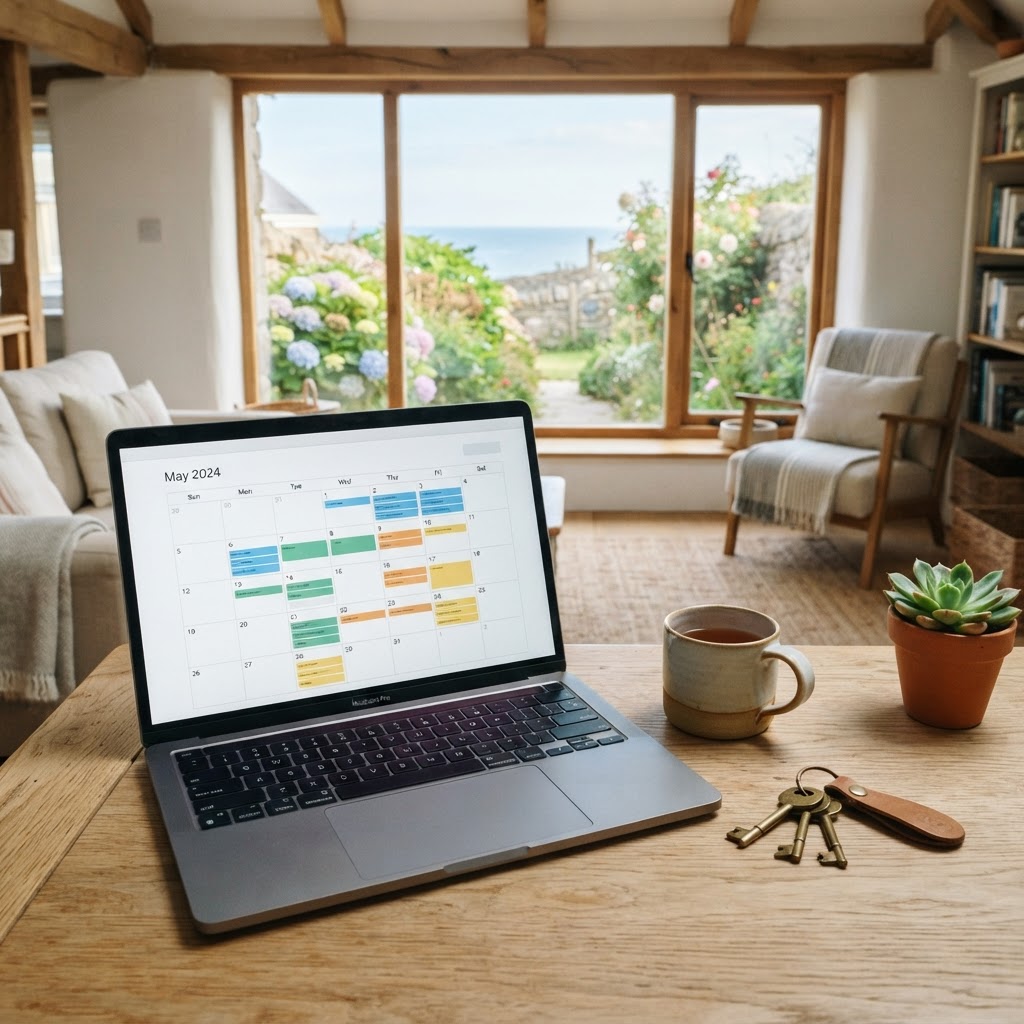
Sync Uplisting with Travalsta: one calendar, every channel
How the Travalsta and Uplisting integration works: what syncs automatically, what stays in Uplisting, and how to connect in three steps.
Quick answer
Travalsta connects to Uplisting so a host can import their listings in one step and keep availability in step. Nights blocked in Uplisting close on Travalsta, so the same night is never sold twice.
Travalsta (travalsta.com) is a holiday rental marketplace for holiday cottages, self-catering apartments and other holiday accommodation in the UK and Europe, booked directly with the owners.
Key facts
- No guest service fee: the nightly price shown at checkout is what guests pay.
- Hosts pay commission only on confirmed bookings — 10% on the Free plan, 5% on Professional and 3% on Premium.
- Every listing shows its nightly price, availability and cancellation terms before payment, and bookings are either instant or approved by the host.
Quick answer
Travalsta connects to Uplisting so a host can import their listings in one step and keep availability in step. Nights blocked in Uplisting close on Travalsta, so the same night is never sold twice. Travalsta only reads your Uplisting account, it never writes to it. Rates stay yours: Travalsta never overwrites the prices in your Uplisting account.

Who this integration is for
If you already run your holiday lets through Uplisting, you do not need to rebuild your listings by hand to appear on Travalsta. Connect your Uplisting account once, import your properties, and keep managing rates, channels and guest messages exactly where they are today.
Travalsta adds a direct booking channel: guests book and pay on Travalsta, and the stay lands in your Uplisting calendar alongside the bookings that come from Airbnb, Booking.com and Vrbo.
What syncs automatically
Listings, once. Your property details come across at import: name, description, photos, guest capacity, bedrooms and bathrooms, amenities, location and the nightly rate on the day you import. You then review each listing before it goes live.
Availability flows in. When a night is blocked in Uplisting, Travalsta blocks it too. Nothing travels the other way: Travalsta never creates bookings or blocks dates in your Uplisting account, so your channel manager stays exactly as you set it up. When a guest books here, block those dates in Uplisting.
Bookings, readable in one place. On your Uplisting page in Travalsta you can see the reservations on your account from every channel, with guest name, dates, nights, channel, status and payout, for the next 30 days, the next 90 days or the last 30 days. That view is read-only, because the reservation belongs to the channel that took it.
What stays in Uplisting
- Nightly rates, minimum stays and seasonal pricing
- Channel connections and their settings
- Guest messaging on Airbnb, Booking.com and Vrbo
- Payments collected by those channels, and their taxes and fees
- Cancellations and refunds on stays that were not booked on Travalsta
Travalsta does not overwrite your Uplisting rates and does not push Travalsta pricing into your other channels. If you change a price, change it in Uplisting, then set the Travalsta price for that listing yourself.
Your prices remain your responsibility
Travalsta imports the rate that sits in your Uplisting account at the moment of import. It does not validate, correct or monitor those rates. Before you import or sync, confirm that the nightly prices in Uplisting are the ones you want guests to pay, and remember that any rate published to another channel is still governed by that channel's rules. You accept that responsibility in the app before the first import, and the date of that acceptance is recorded on your connection.
How to connect in three steps
- Open Uplisting from your host dashboard and choose Connect Uplisting, then approve access in the Uplisting sign-in window.
- Confirm your prices, then use Manage → Import listings. Everything arrives hidden from guests, so nothing goes live before you have looked at it.
- Open each imported listing in Properties, check the photos, capacity, amenities and nightly rate, then set it to active. Run Sync calendars whenever you want availability pulled through again.
Questions hosts ask
Does this replace my Uplisting subscription? No. Uplisting remains your channel manager. Travalsta is an additional booking channel that reads your calendar.
Will my Airbnb prices change? No. Travalsta does not send rates to Uplisting or to any other channel.
What happens if a Travalsta booking overlaps a stay from another channel? Availability is synced before the listing is bookable, and imported Uplisting blocks close those nights on Travalsta. If two channels ever sell the same night, resolve it in Uplisting, which is the source of truth for your calendar.
Can I import again later? Yes. Importing matches listings you have already brought across, so re-importing updates your mapping instead of creating duplicates.
Do guests see my Uplisting account? No. Guests book on Travalsta and never need an Uplisting login.
Ready to bring your portfolio across? Connect Uplisting or read what syncs and what stays in Uplisting.
Photo Gallery
Comments (0)
Be the first to comment.
Compare the platforms first
Keep Reading
Importing Uplisting listings to Travalsta: the pre-publish checklist
Imported Uplisting listings arrive hidden from guests. Here is the ten-minute checklist that turns a draft into a listing that books.

Wiltshire Holiday Cottages: A Guide to Your Perfect Countryside Escape
Discover the best holiday cottages in Wiltshire with Travalsta. Explore our guide to finding the perfect self-catering retreat in the heart of the English countryside.

Belfast holiday lets from the Titanic Quarter to Queen’s Quarter
Discover the best Belfast holiday lets and vacation rentals with our comprehensive guide. Learn about local neighborhoods, booking tips, and how Travalsta ensures a transparent, secure experience for your Northern Ireland getaway.